
Server Information
Everything you need to know about GlobalPW 1.3.6
General Information
GlobalPW is a classic Perfect World 1.3.6 server with modifications from later versions. We have preserved all the main mechanics of the version, but with the use of modern technologies brought by the innovative x64 client and new server features.
Why Choose Our Server?
By choosing our server, you get a unique opportunity to immerse yourself in the atmosphere of Perfect World 1.3.6 with Relax x750 concept. Our team has extensive server development experience - we have reviewed rewards for every activity, improved the daily quest and event system, and simplified character leveling so you can focus on enjoying the perfect world.
Version 1.3.6 with modifications
Classic PW 1.3.6 with custom features from later versions and our own developments
3 Races & 6 Classes
Humans, Untamed, and Winged Elves - 6 classes to choose from
Max Level 150
Maximum character leveling
Simplified Pet Leveling
Only 1 experience point required per level for battle pets
End-game Equipment
Character Start Bonuses
Everything you need for a successful start on the server
Starter Equipment
Full set of equipment to begin your adventure
Free Flight for 14 Days
Wings to explore the world from day one
200,000 Reputation
Immediate access to Rank 8
Side Choice
Choose between Hell and Heaven fakes
Client & Interface
Modern x64 client with improved graphics, Angelica 2.2 engine, and quality of life features for comfortable gameplay
Graphics Comparison



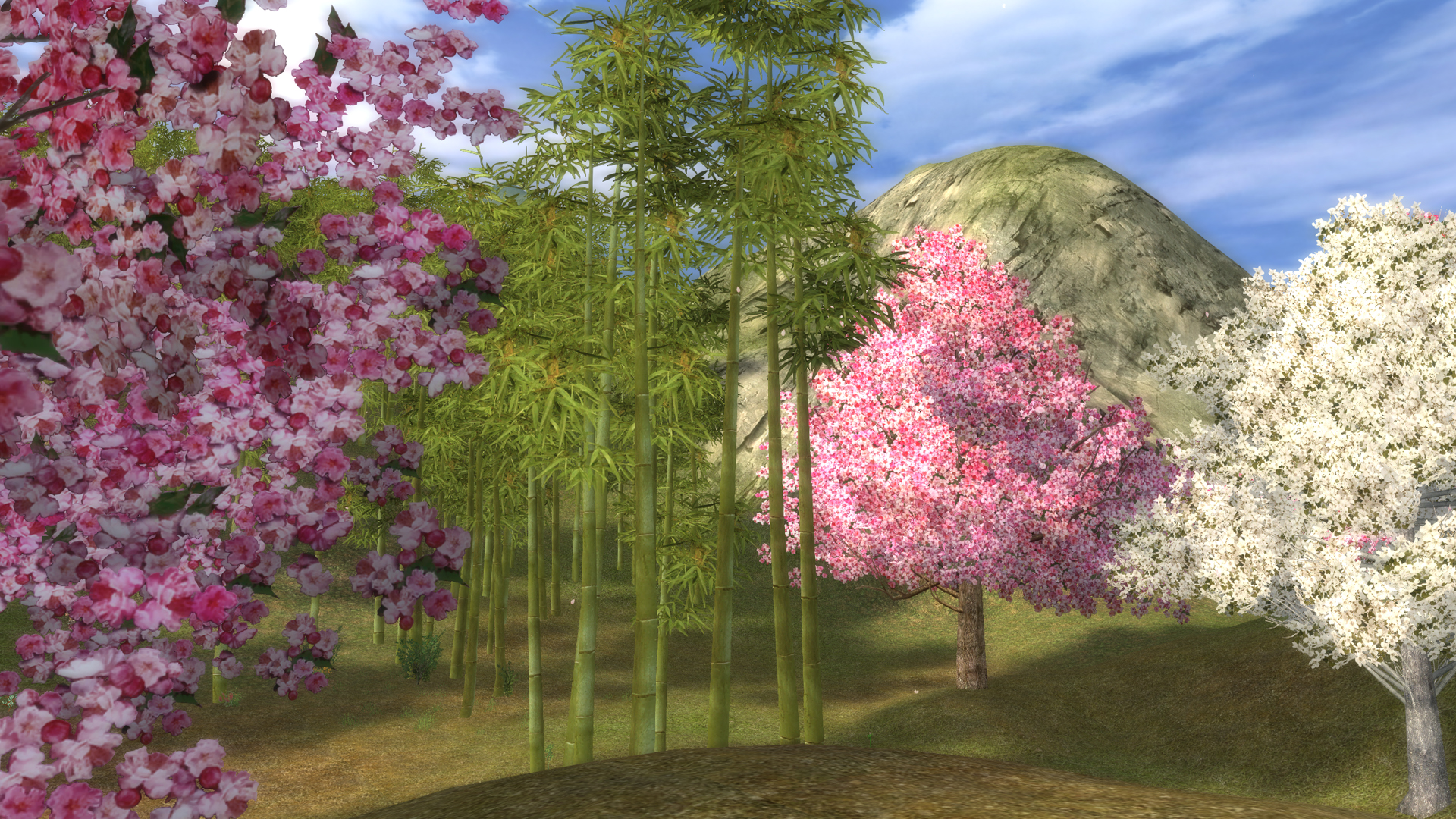



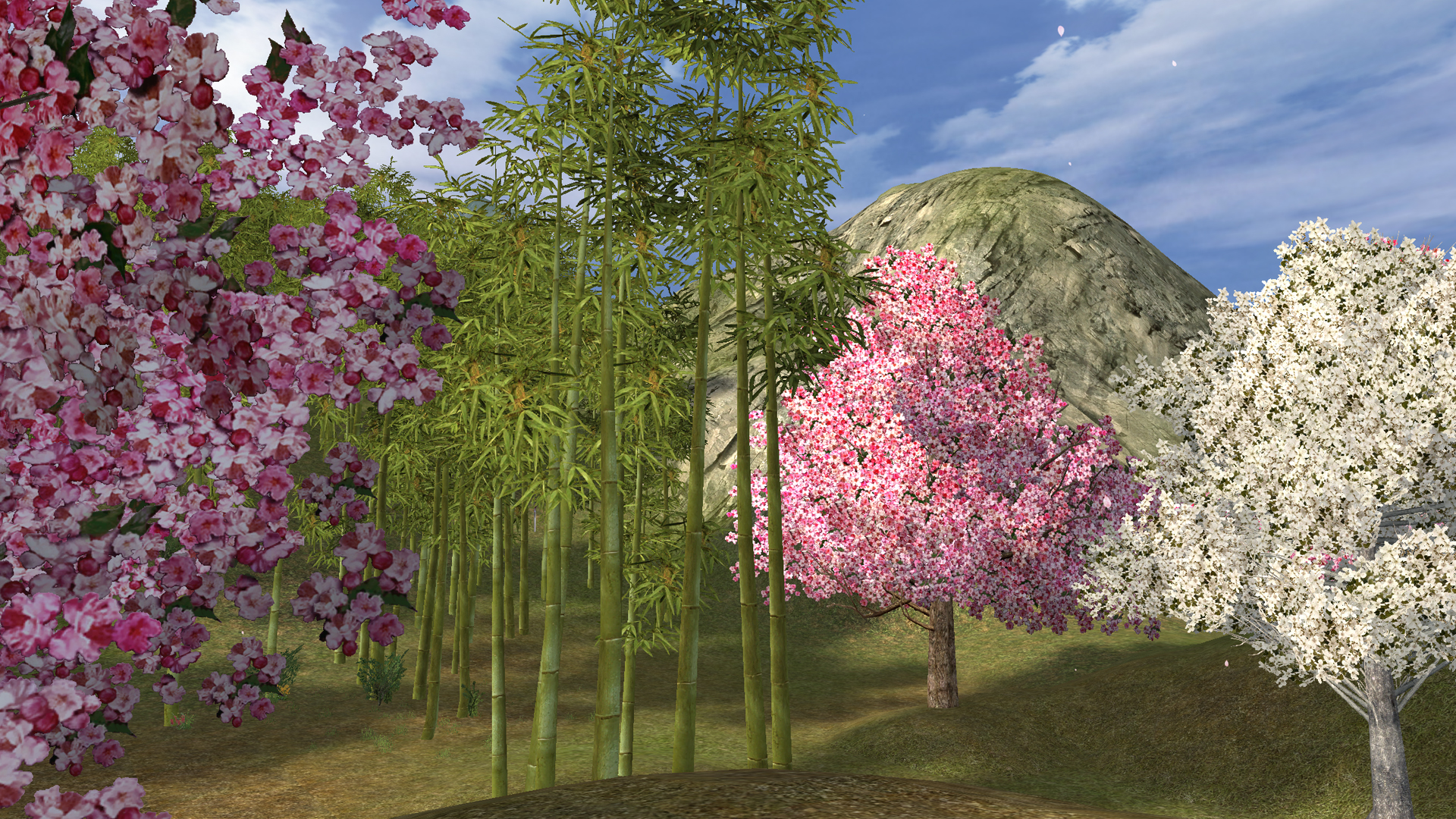
Drag the slider or click to compare graphics